
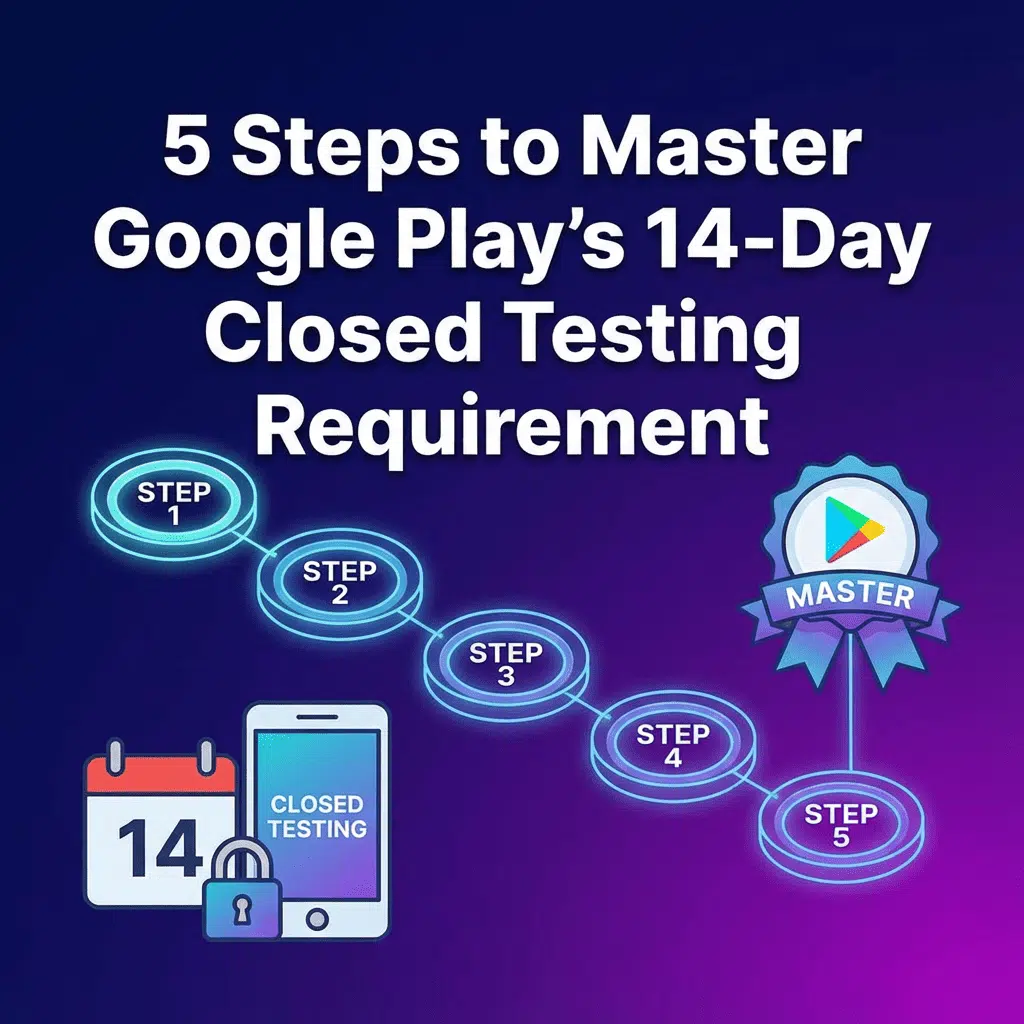
Navigating the path to publishing an app on Google Play has become more rigorous. Gone are the days of a quick internal test before launch. Google now mandates a stringent closed testing period to ensure apps are stable, compliant, and ready for public release. For many new developer accounts, this means running a closed test with at least 12 testers for 14 consecutive days. This requirement can be a significant hurdle, delaying your launch and adding complexity to your development cycle.
Failing to meet these criteria can lead to rejection and frustration. So, how can you successfully navigate this crucial pre-launch phase? Here is a professional guide to managing your Google Play closed testing process effectively.
### 1. Deeply Understand Google’s Policy
Before you begin, it’s critical to understand the specifics. The core requirement is that a minimum number of testers (typically 12, but check your Play Console for exact numbers) must be opted-in to your closed test for 14 continuous days. This isn’t just about having them on a list; Google tracks their opt-in status. If testers drop out before the 14-day mark, the clock may reset, causing significant delays.
### 2. Recruit a Reliable Testing Team
This is often the most challenging step. Finding 12 individuals who are willing and able to commit to testing your app for two full weeks is a tall order. Relying on friends and family can be problematic, as they may not provide objective feedback or remain engaged for the entire duration. You need a group of reliable, real human testers who will actively use the app and follow through on their commitment.
### 3. Configure Your Closed Test in the Play Console
Setting up the test itself is a technical but straightforward process. In your Google Play Console, navigate to the “Testing” section and create a new closed test. You will need to upload your app bundle (AAB) and create a list of testers using their email addresses. Ensure you provide clear instructions for your testers on how to accept the invitation and download the app.
### 4. Manage Tester Engagement and Feedback
Once the test begins, your work is far from over. You must ensure your testers are actively engaging with the app. A passive tester who simply keeps the app installed is not fulfilling the spirit of the requirement. Encourage them to explore different features and workflows. You also need a structured system for them to report bugs, performance issues, and usability concerns. Without a clear feedback loop, the testing period provides little value beyond meeting a policy checkbox.
### 5. Analyze Reports and Iterate
The ultimate goal of user testing is to improve your app. Systematically collect all feedback, prioritize bugs, and identify areas for improvement. This data is invaluable for creating a polished, user-friendly final product that is more likely to succeed upon launch. However, collating and making sense of feedback from a dozen different people can be time-consuming.
### A Professional Solution to a Complex Problem

While managing this process yourself is possible, it is fraught with logistical challenges that can derail your launch schedule. Coordinating testers, ensuring continuous engagement, and compiling actionable reports require significant time and effort. This is where a professional app testing service becomes an indispensable asset.
For developers seeking a streamlined, guaranteed solution, consider the comprehensive Google Play app testing service offered by Touseef Ijaz on Fiverr. This service is purpose-built to eliminate the guesswork and logistical headaches associated with meeting Google’s closed testing requirements.
Instead of you having to find and manage testers, this freelancer provides a dedicated team of 12 real, skilled testers who will meticulously evaluate your app. The service is structured to meet Google’s policy head-on, with a guaranteed 14-day testing period. This focus on policy compliance is a key strength, dramatically increasing your chances of getting faster app approval on your first attempt.
What truly sets this service apart is its attention to detail and value-added features. You receive optional detailed feedback reports that pinpoint bugs, glitches, and usability concerns, allowing you to make critical improvements before launch. Furthermore, the service supports a wide range of devices, including ARCore-compatible phones (Android 10 to 16), ensuring your advanced features are properly vetted. To simplify the process even further, you are provided with a pre-filled application form questionnaire, saving you valuable time. By entrusting your user testing to an expert, you can focus on what you do best—developing a great app—while ensuring your path to publishing is smooth and successful.

